
Two systems cover most hospital escalations: nurse call for the ward, queue management for the outpatient hall. Both run on the site network, and the same screens can carry information for either.
The bedside button rings at the station while the nurse is three rooms away. By the time anyone is back, the patient has either waited or walked.
A buzzer tells you that someone called, not which bed, not how urgent, and not whether it has already been answered.
The drip finishes while the corridor is empty. Nobody knows until a family member notices.
Everyone waits in front of the same door. Staff call names over the noise; patients who cannot hear a name sit through the whole session again.
Bedside terminal at the head of the bed, pull-cord point in the bathroom, call button in the day room. Each one is addressed to its own bed, not to the ward.
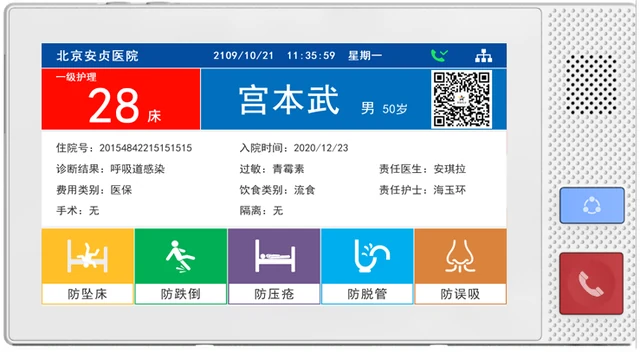
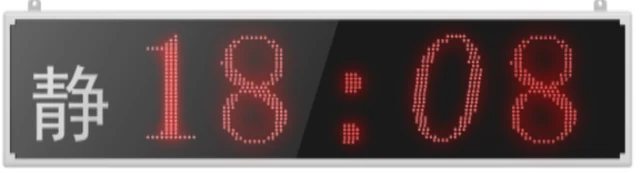
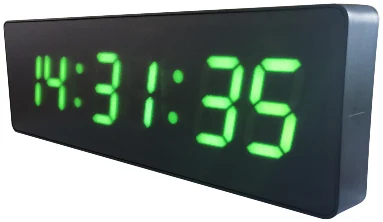
A double-sided screen above the door shows the calling bed and how long it has been waiting, so staff in the corridor see it before reaching the station.
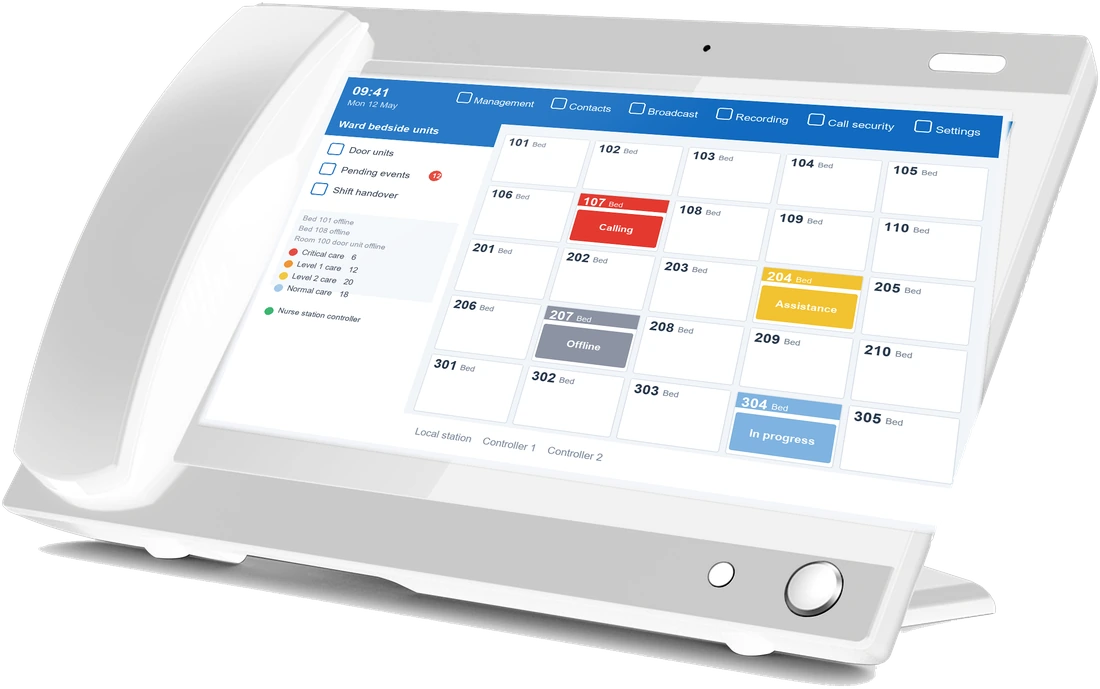
The station answers, talks to the bed and clears the call. Calls that are not answered move up to the next level instead of quietly disappearing.
Infusion alarm units report to the same station: when a bag runs out, the call carries the bed number, so it is not left for someone to notice on a round.
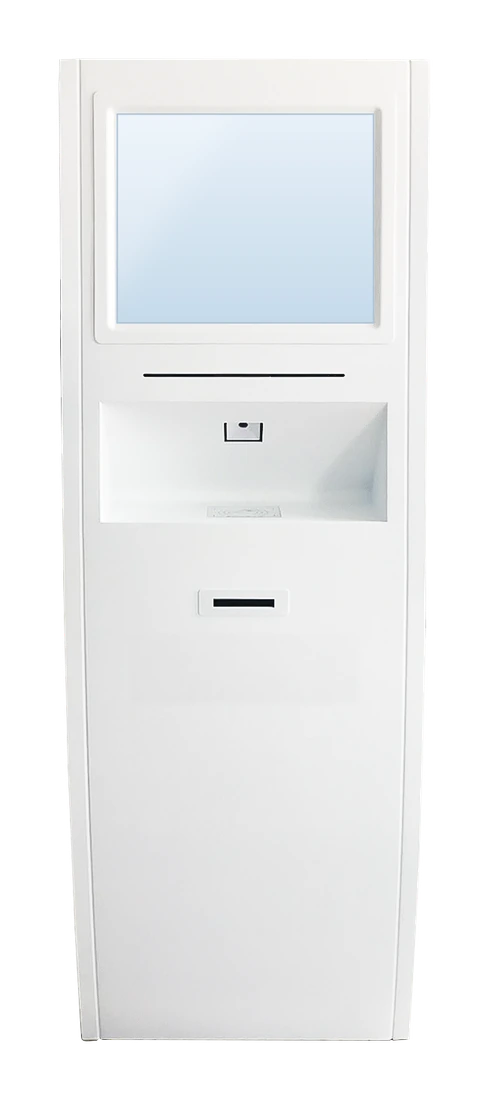
A patient takes a number for the clinic they need — one queue per consulting room, not one queue for the whole floor.
Staff call the next patient from the desk. The number appears above the door and is spoken aloud, so the patient does not have to watch a screen the whole time.
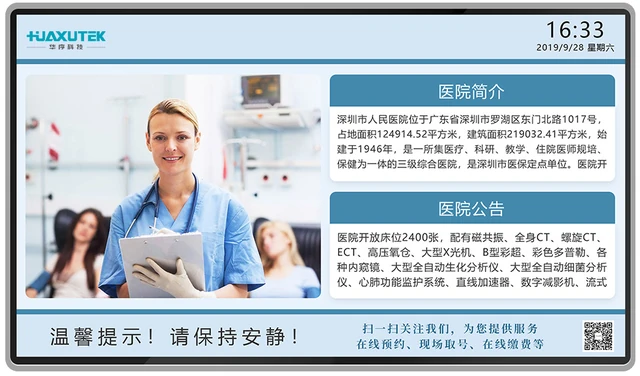
A large screen lists the numbers being called and the ones next, and can carry clinic notices between calls — the same display hardware we supply for digital signage.
Bedside terminal, bathroom pull-cord, corridor display and station master, one set per ward.
Master station with the ward layout on screen, plus a second station for night cover where the ward is split.
Ticket dispenser at the entrance, one queue per consulting room, waiting-area screen overhead.
Infusion alarm units on the same system, so a finished drip raises a call with the bed number on it.